Modern laptops are impressively thin — and impressively port-deprived. The best USB-C hubs and docking stations in 2026 restore all the connectivity you need: multiple USB-A ports, HDMI or DisplayPort, SD card readers, Ethernet, and power delivery — all from a single cable. We tested the top options for port selection, power delivery, heat management, and compatibility across MacBooks, Windows laptops, and Chromebooks.
Best USB-C Hubs and Docking Stations in 2026
1. Anker 575 USB-C Docking Station — Best Overall Dock
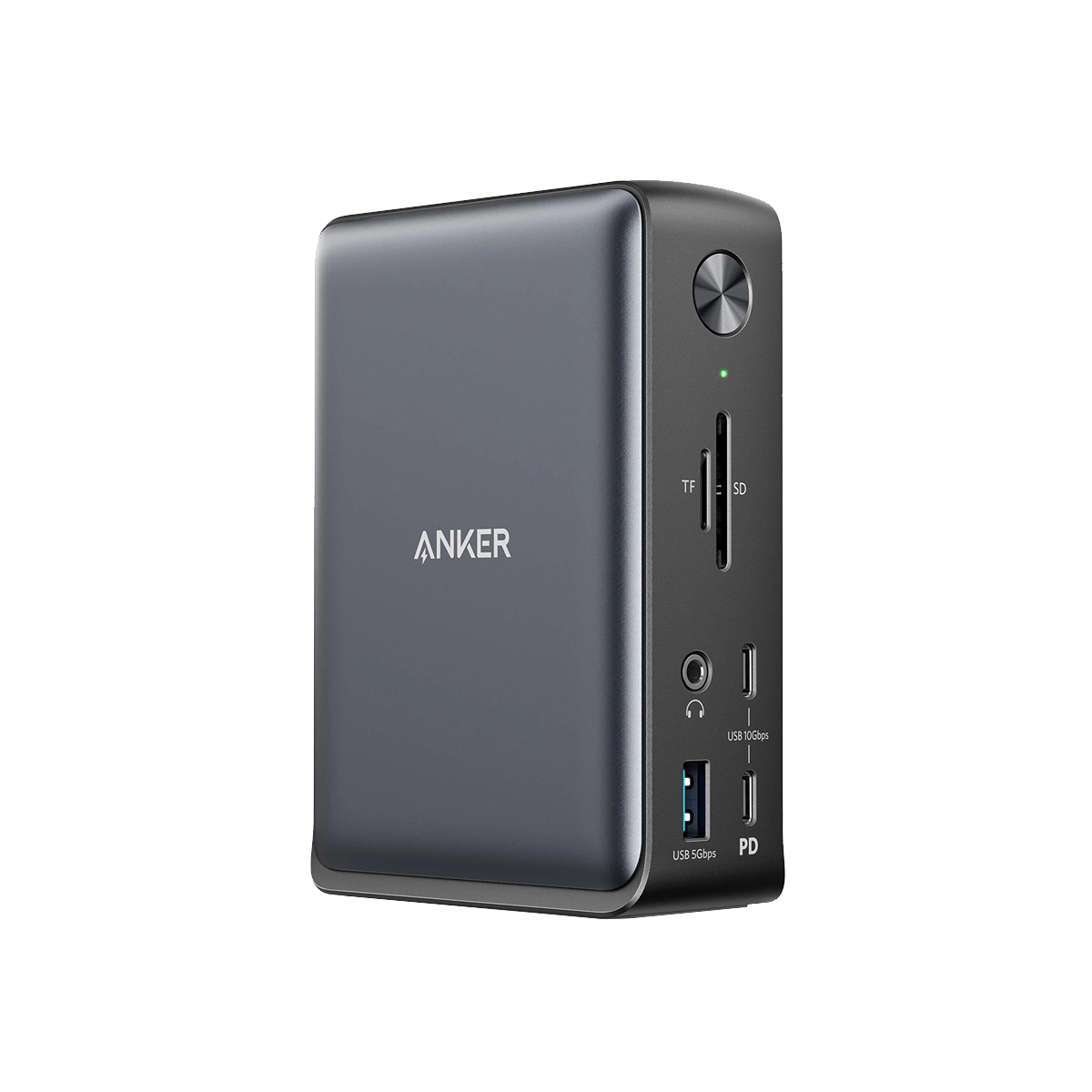
The Anker 575 is the dock that most home office setups have been waiting for. Thirteen ports in a compact desktop unit — including dual HDMI (4K@60Hz), USB-A 3.2 Gen 2, USB-C 10Gbps, SD and microSD card readers, 3.5mm audio, and Gigabit Ethernet — all powered by a single USB-C cable to your laptop. It delivers 85W of pass-through charging, enough for most laptops. Build quality is excellent, thermals are well-managed, and Anker’s reliability reputation is well-earned. If you want one dock to cover every scenario, this is it.
Price: ~$80 | Ports: 13 | Power Delivery: 85W | Best for: Full home office setup
2. CalDigit TS4 — Best Thunderbolt 4 Dock for MacBook Pro
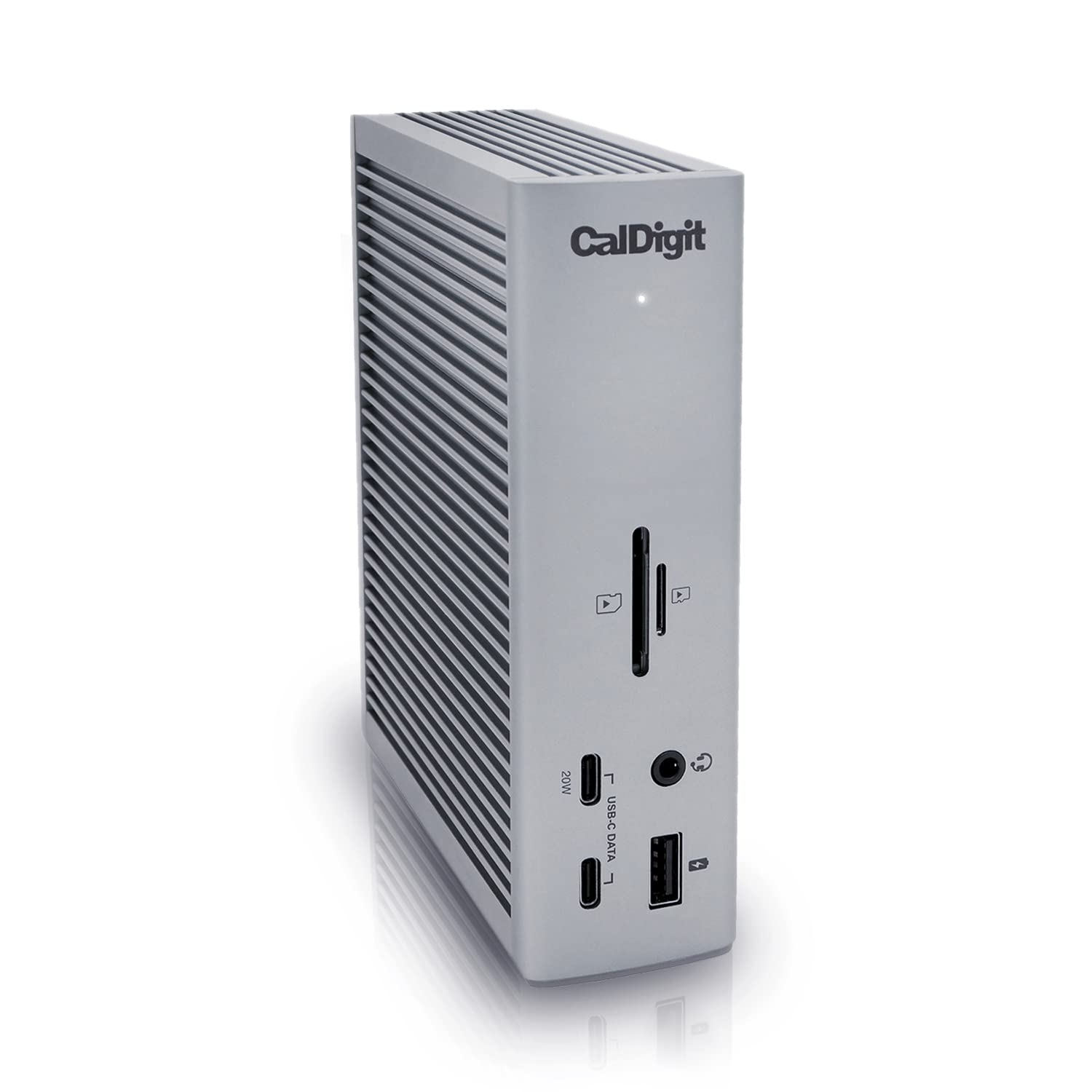
If you’re running a MacBook Pro M3 or M4 and need maximum performance and bandwidth, the CalDigit TS4 is in a class of its own. Thunderbolt 4 connectivity delivers 40Gbps data transfer, support for two 4K monitors (or one 8K), 98W laptop charging, 18 total ports including SD 4.0, DisplayPort 1.4, 2.5GbE Ethernet, and USB-A 3.2 Gen 2. It’s expensive — around $350 — but for video editors, developers, or anyone moving large files constantly, the TS4’s bandwidth advantage over standard USB-C docks is real and significant.
Price: ~$350 | Ports: 18 | Power Delivery: 98W | Best for: MacBook Pro power users, Thunderbolt 4 bandwidth
3. Anker 332 USB-C Hub — Best Budget 7-in-1 Hub
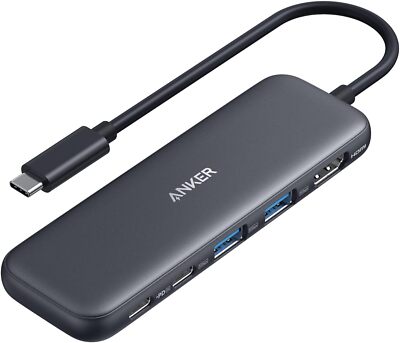
Not everyone needs 13 ports and 85W charging. If you just want a compact hub to expand a laptop’s ports for everyday use, the Anker 332 7-in-1 delivers exactly what most people need: 4K HDMI, 2× USB-A 3.0, USB-C data, SD and microSD card readers, and 100W pass-through power — all in a palm-sized hub that travels easily. At around $35, it’s one of the best-value USB-C hubs available, and Anker’s build quality means it won’t fail on you six months in.
Price: ~$35 | Ports: 7 | Power Delivery: 100W pass-through | Best for: Budget, travel, everyday use
4. Plugable 14-in-1 USB-C Docking Station — Best for Dual Monitor Windows Setup
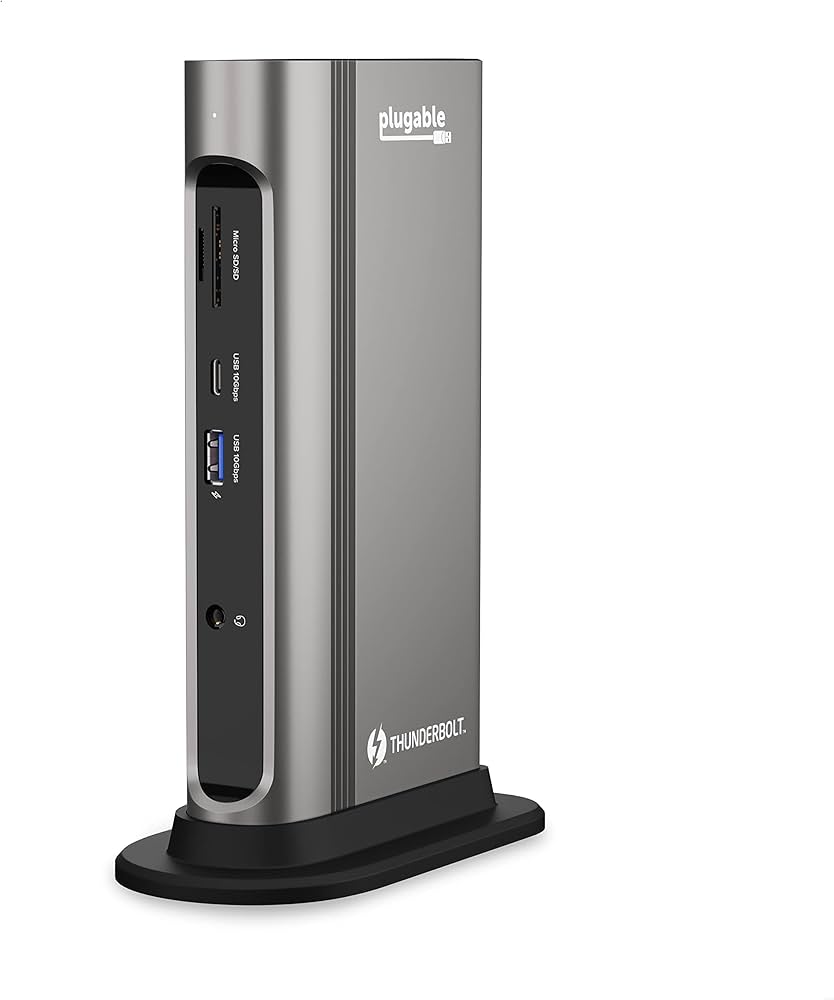
For Windows laptop users who need dual external monitors, the Plugable 14-in-1 is a standout. It supports dual 4K@60Hz displays via HDMI and DisplayPort simultaneously, includes Gigabit Ethernet, 6 USB ports, SD card reader, and 96W laptop charging. It uses DisplayLink technology for multi-monitor support that works even on laptops with a single USB-C port. At around $130, it’s a compelling mid-range dock for anyone running a dual-screen setup at home.
Price: ~$130 | Ports: 14 | Power Delivery: 96W | Best for: Dual monitor Windows setups
5. Satechi Slim Multi-Port Hub — Best for MacBook Air (M-Series)
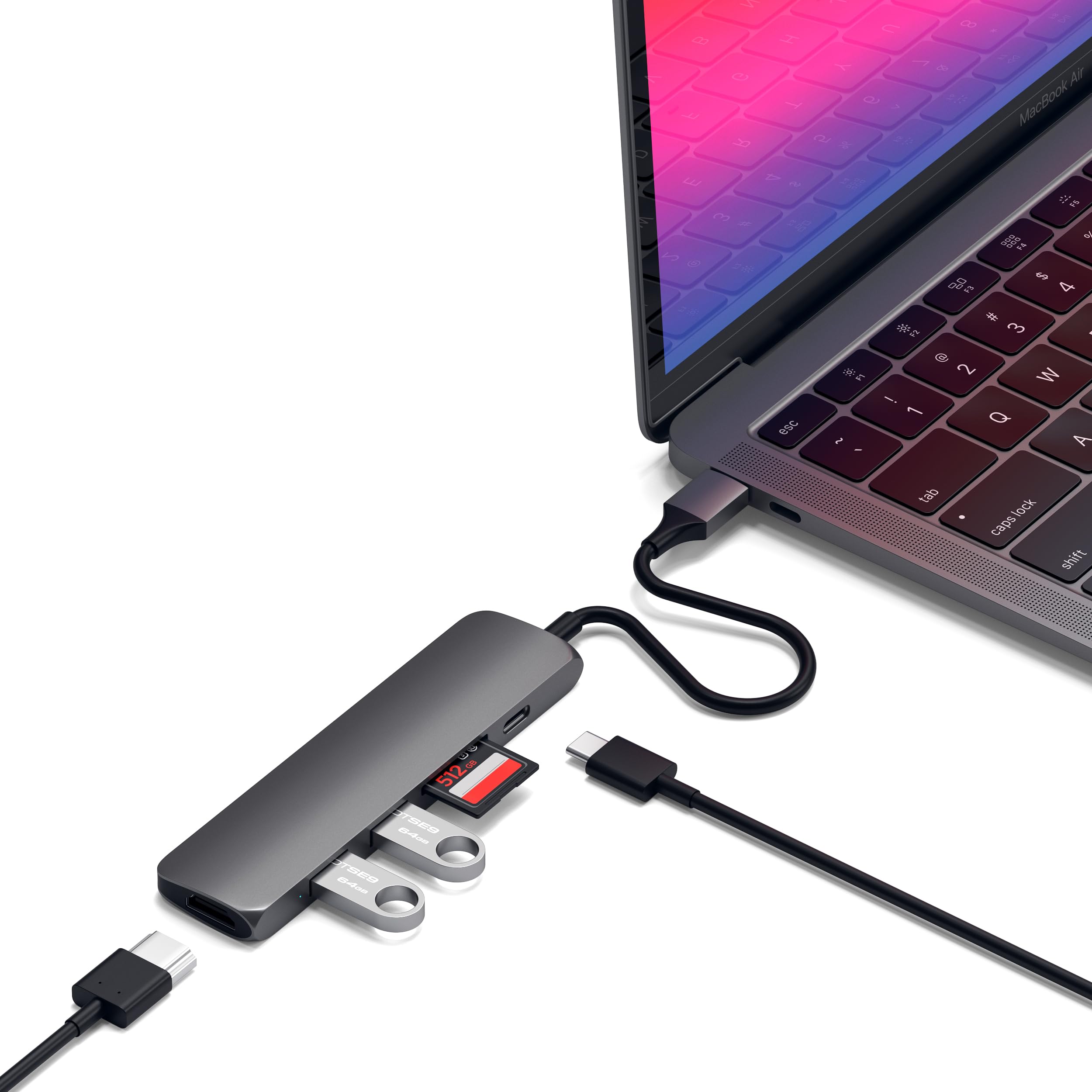
The Satechi Slim Multi-Port Hub is designed specifically for the aesthetic-conscious MacBook user. It matches Apple’s Space Gray and Silver finishes perfectly, sits flush with your laptop’s side, and adds USB-A, USB-C data, HDMI, and SD card ports in a profile so slim it looks like it belongs. It’s not a full dock — no Ethernet, limited power delivery — but for MacBook Air users who want a clean, travel-friendly hub that doesn’t clash with their setup, nothing looks or feels better.
Price: ~$60 | Ports: 5 | Best for: MacBook Air, portability, clean aesthetic
Comparison Table
| Hub / Dock | Price | Ports | Power Delivery | Best For |
|---|---|---|---|---|
| Anker 575 | ~$80 | 13 | 85W | Best overall home office |
| CalDigit TS4 | ~$350 | 18 | 98W | MacBook Pro / Thunderbolt 4 |
| Anker 332 7-in-1 | ~$35 | 7 | 100W pass-through | Budget / travel |
| Plugable 14-in-1 | ~$130 | 14 | 96W | Dual monitor Windows |
| Satechi Slim Hub | ~$60 | 5 | Limited | MacBook Air + clean look |
USB-C Hub vs Docking Station: What’s the Difference?
- USB-C Hub: Compact, bus-powered (draws power from your laptop), portable. Limited ports, usually 60–100W pass-through charging. Best for travel and light use.
- Docking Station: Larger, has its own power adapter, more ports. Better performance, higher wattage, more stable for desk use. Best for home office.
- Thunderbolt 4 Dock: Requires Thunderbolt 4 port on your laptop. Highest bandwidth (40Gbps), best for power users and multi-monitor setups.
Bottom Line
The Anker 575 is the best USB-C docking station for most home office setups — 13 ports, 85W, and a fair price. Budget users should look at the Anker 332. MacBook Pro power users should seriously consider the CalDigit TS4. Whichever you choose, the best USB-C hub or dock makes a one-cable desk setup a reality, and once you go one-cable, you won’t go back.