
Choosing between best laptops for remote work means balancing performance, battery life, display quality, and portability. We tested the top contenders in 2026 so you don’t have to guess. Whether you’re a developer, designer, or busy professional, there’s a perfect machine on this list for you.
#1. Apple MacBook Air M3
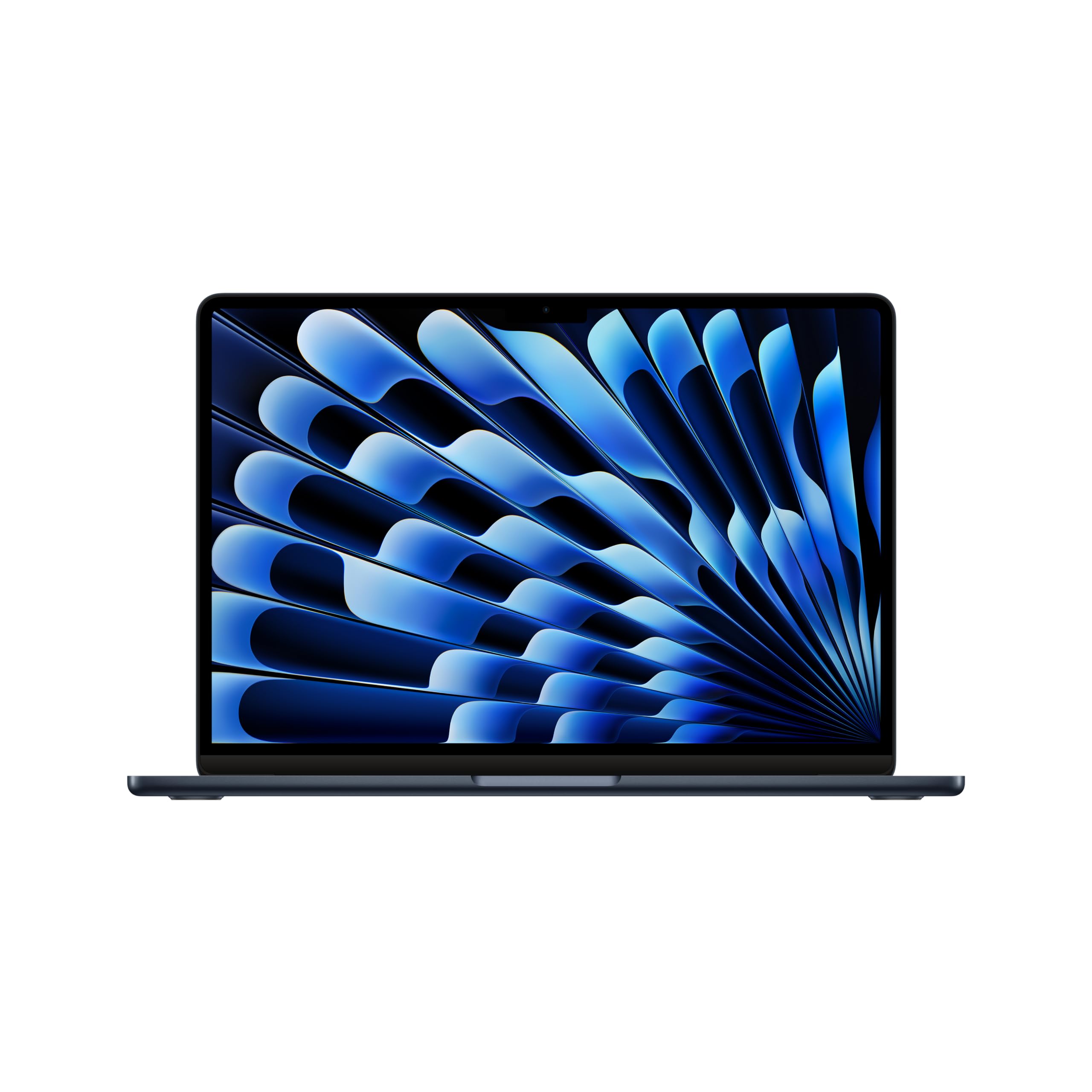
The MacBook Air M3 remains the gold standard for remote workers who need all-day battery life without sacrificing power. Silent, thin, and remarkably capable, it handles everything from video calls to light video editing with ease.
Key Specs
- Processor: Apple M3 chip (8-core CPU)
- RAM: 8GB–24GB unified memory
- Storage: 256GB–2TB SSD
- Battery: Up to 18 hours
- Display: 13.6″ or 15.3″ Liquid Retina
- Weight: 2.7 lbs (13″)
Pros & Cons
- ✅ Exceptional battery life for full-day remote work
- ✅ Fanless and completely silent operation
- ✅ Stunning Retina display with excellent color accuracy
- ✅ Superb build quality and premium feel
- ❌ Base model 8GB RAM can feel limiting for power users
- ❌ Limited to 2 USB-C ports on base model
Verdict
The MacBook Air M3 is the best all-around laptop for remote workers who prioritize portability and battery life. It’s our top pick for 2026.
#2. Dell XPS 15
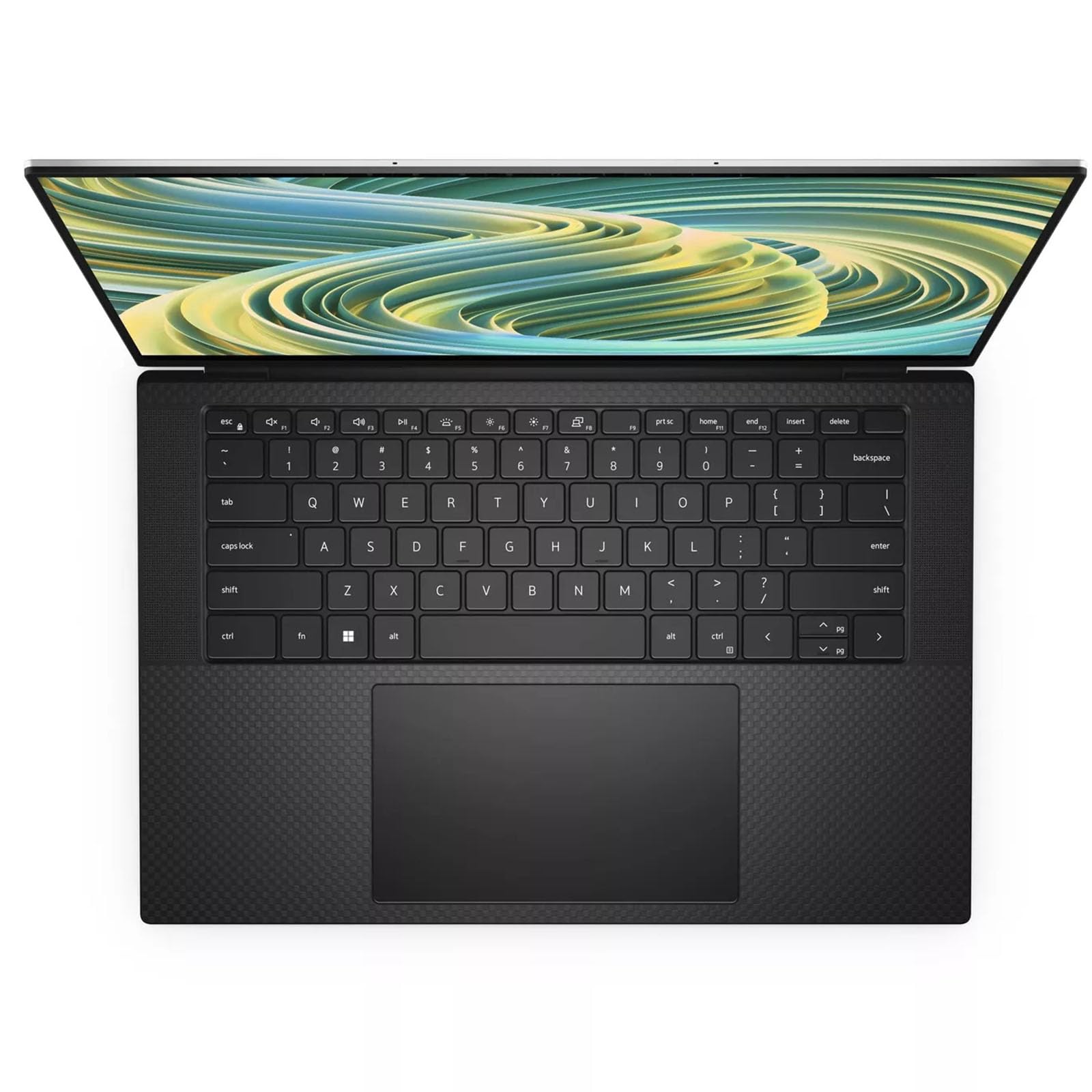
The Dell XPS 15 is a powerhouse Windows laptop built for professionals who need serious performance in a sleek package. Its stunning OLED display option and robust build make it a top choice for creative remote workers.
Key Specs
- Processor: Intel Core Ultra 7 or 9
- RAM: 16GB–64GB DDR5
- Storage: 512GB–4TB NVMe SSD
- Battery: Up to 13 hours
- Display: 15.6″ OLED or IPS, up to 3.5K
- Weight: 4.2 lbs
Pros & Cons
- ✅ Gorgeous OLED display option for creative work
- ✅ Powerful enough for video editing and heavy multitasking
- ✅ Premium build with a compact footprint for 15″
- ✅ Excellent keyboard with good key travel
- ❌ Battery life shorter than MacBook Air
- ❌ Fan noise noticeable under heavy load
Verdict
The Dell XPS 15 is ideal for Windows users who need a high-performance laptop with a stunning display. Perfect for designers and video editors working remotely.
#3. Lenovo ThinkPad X1 Carbon Gen 12
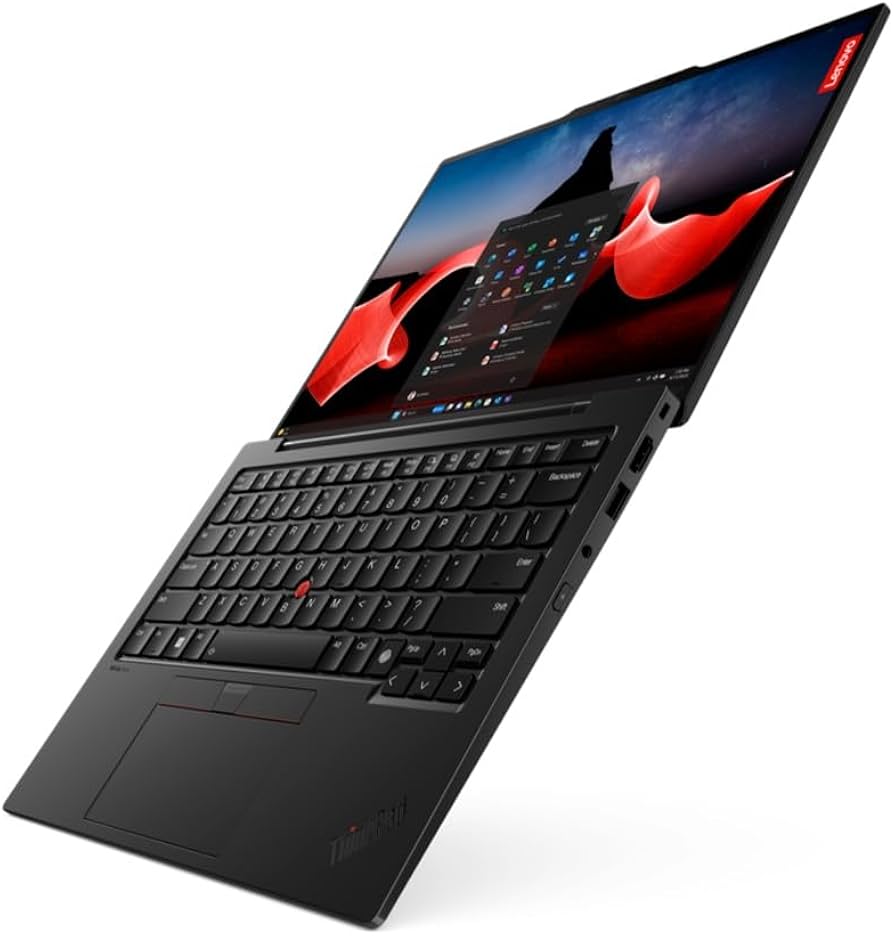
The ThinkPad X1 Carbon is a legend in business laptops for good reason. Lightweight, durable, and packed with enterprise-grade features, it’s the go-to choice for road warriors and serious remote professionals.
Key Specs
- Processor: Intel Core Ultra 5 or 7
- RAM: 16GB–64GB LPDDR5
- Storage: 512GB–2TB NVMe SSD
- Battery: Up to 15 hours
- Display: 14″ IPS or OLED, up to 2.8K
- Weight: 2.48 lbs
Pros & Cons
- ✅ Ultra-lightweight at under 2.5 lbs
- ✅ Military-grade durability (MIL-STD-810H)
- ✅ Best-in-class keyboard for typing-heavy work
- ✅ Excellent port selection including Thunderbolt 4
- ❌ Display brightness could be better on base model
- ❌ Premium price for top configurations
Verdict
If you travel frequently and type all day, the ThinkPad X1 Carbon is arguably the best business laptop money can buy. Durable, light, and reliable.
#4. Microsoft Surface Laptop 6
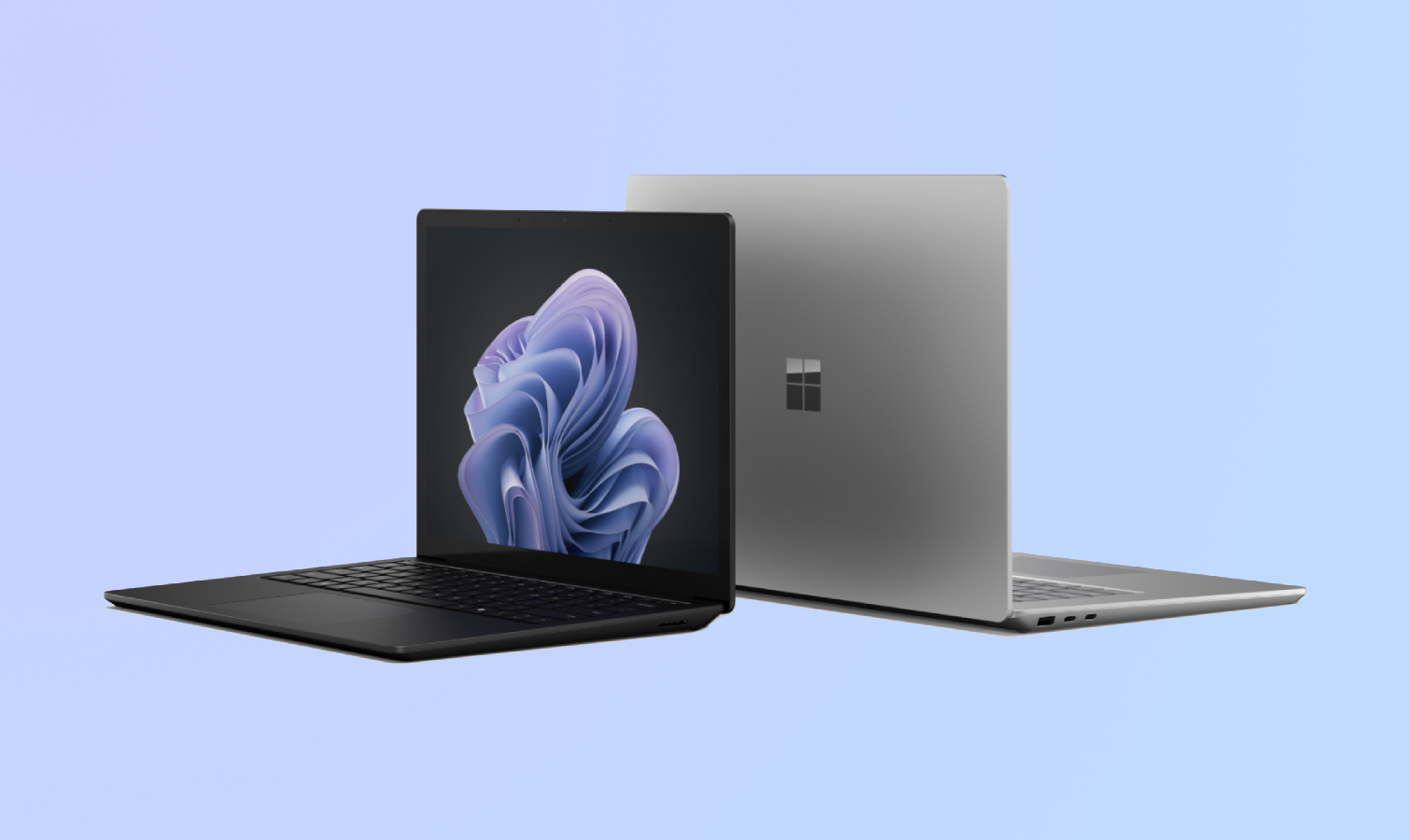
The Surface Laptop 6 brings a refined design and capable performance in a slim chassis. Its 3:2 display aspect ratio is a productivity boon, giving you more vertical screen space for documents and code.
Key Specs
- Processor: Intel Core Ultra 5 or 7
- RAM: 16GB–64GB LPDDR5x
- Storage: 256GB–1TB SSD
- Battery: Up to 19 hours (claimed)
- Display: 13.5″ or 15″ PixelSense, 2256×1504
- Weight: 2.96 lbs (13.5″)
Pros & Cons
- ✅ Tall 3:2 display excellent for productivity
- ✅ Excellent touchpad and keyboard
- ✅ Clean Windows experience with Copilot+ features
- ✅ Great build quality and premium Alcantara finish
- ❌ Limited port selection (no SD card slot)
- ❌ Not upgradeable after purchase
Verdict
The Surface Laptop 6 is a polished Windows laptop with a display format tailor-made for productivity. A strong pick for Microsoft 365 users.
#5. ASUS ZenBook 14 OLED
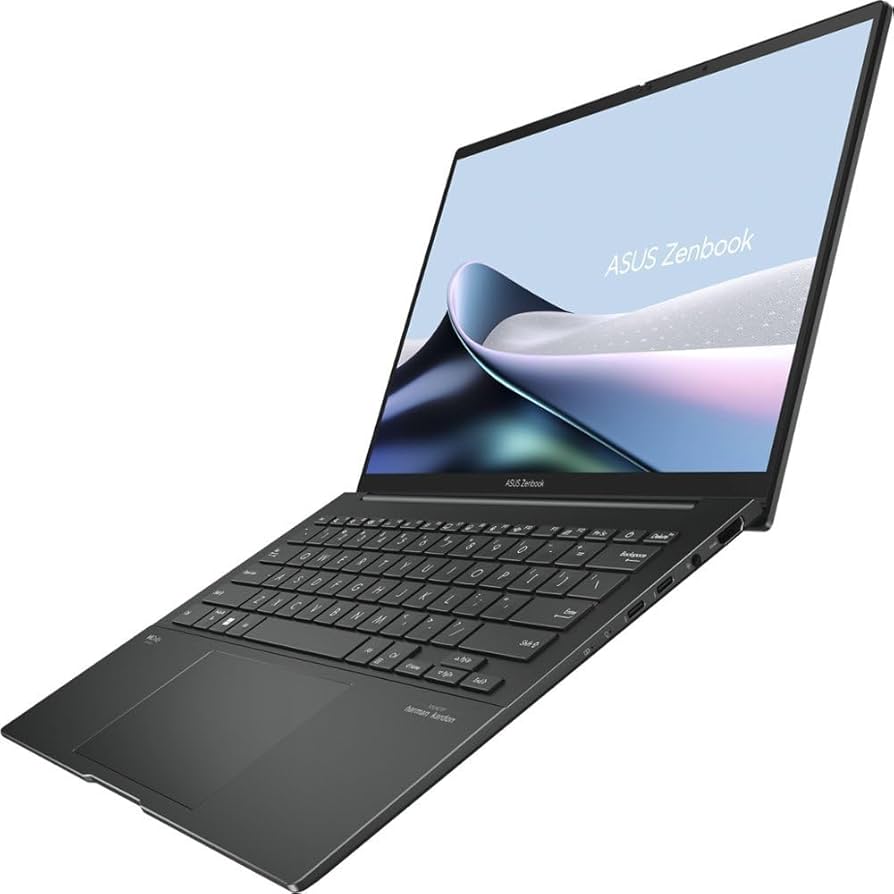
For remote workers on a budget who still want premium features, the ASUS ZenBook 14 OLED punches well above its price point. The OLED display is genuinely impressive, and performance is solid for everyday tasks.
Key Specs
- Processor: AMD Ryzen 7 or Intel Core Ultra 5
- RAM: 16GB–32GB LPDDR5
- Storage: 512GB–1TB NVMe SSD
- Battery: Up to 12 hours
- Display: 14″ 2.8K OLED, 120Hz
- Weight: 3.09 lbs
Pros & Cons
- ✅ Stunning OLED display at an affordable price
- ✅ Compact and lightweight for a 14″ laptop
- ✅ Good all-day battery life
- ✅ Strong value for money
- ❌ Fan can be audible during sustained loads
- ❌ Webcam quality mediocre compared to premium options
Verdict
The ZenBook 14 OLED is the best value remote work laptop in 2026. If you want an OLED display without MacBook pricing, this is your answer.
Final Thoughts
The best laptop for remote work depends on your ecosystem and workflow. The MacBook Air M3 wins on battery and silence, the ThinkPad X1 Carbon on durability and typing, and the ZenBook 14 OLED on value. Choose based on your OS preference, budget, and how much you travel. Any laptop on this list will serve you well through a full remote workday in 2026.