A great monitor can transform your home office productivity. Whether you’re looking for ultra-wide real estate, crystal-clear resolution, or eye-friendly technology, these are the best monitors for remote work in 2026 — tested and ranked for the home professional.
#1. LG 27UK850-W 27″ 4K USB-C Monitor
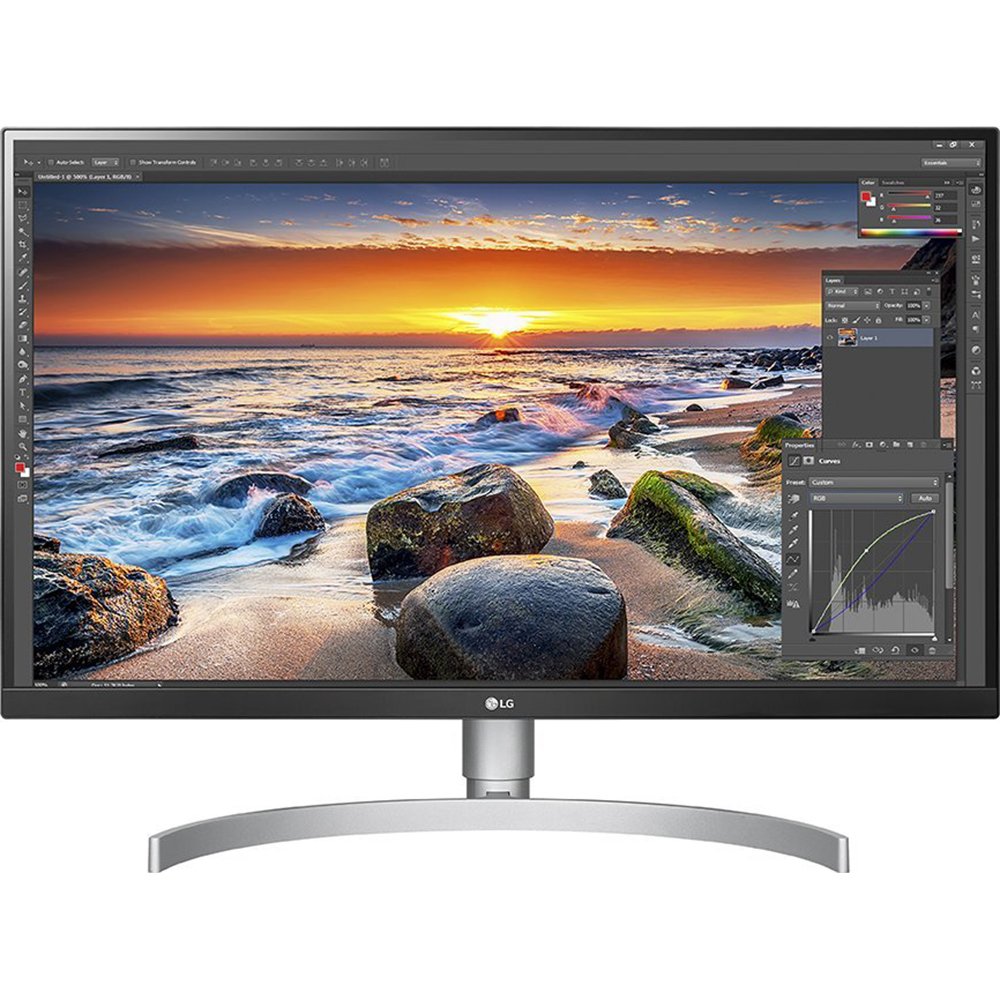
The LG 27UK850-W is a sweet spot for remote workers: 4K IPS panel with USB-C connectivity so you can power your laptop and extend your display with a single cable. Excellent colour accuracy makes it great for both documents and creative work.
Key Specs
- Size: 27 inches
- Resolution: 3840×2160 (4K UHD)
- Panel: IPS
- Refresh Rate: 60Hz
- Connectivity: USB-C (65W PD), HDMI, DisplayPort
- Brightness: 400 nits HDR10
Pros & Cons
- ✅ Single-cable USB-C setup for clean desks
- ✅ Sharp 4K for detailed spreadsheets and design work
- ✅ Accurate IPS colours out of the box
- ✅ Height-adjustable and pivotable stand
- ❌ Only 60Hz — not ideal for gaming on the side
- ❌ USB-C PD limited to 65W
Verdict
The LG 27UK850-W is our top pick for remote workers who want a clean desk setup with a single USB-C cable connecting laptop to monitor. The 4K resolution is a genuine daily productivity upgrade.
#2. Dell U3423WE 34″ Ultrawide Curved Monitor
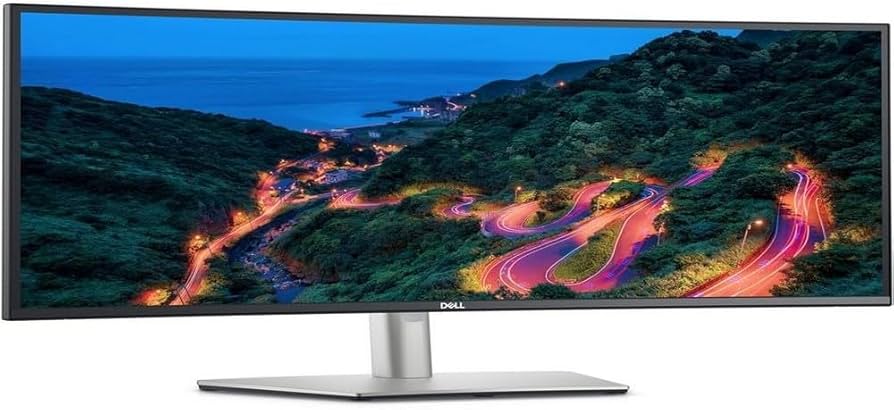
Ultrawide monitors eliminate the need for dual-monitor setups. The Dell U3423WE’s 34″ curved IPS panel with built-in KVM switch makes it perfect for remote workers juggling multiple computers or video calls alongside work.
Key Specs
- Size: 34 inches ultrawide curved
- Resolution: 3440×1440 (UWQHD)
- Panel: IPS
- Refresh Rate: 60Hz
- Connectivity: USB-C 90W, HDMI, DisplayPort, built-in KVM
- Brightness: 300 nits, 400 nits peak HDR
Pros & Cons
- ✅ Massive ultrawide canvas — replaces two monitors
- ✅ Built-in KVM switch for switching between two computers
- ✅ 90W USB-C charging
- ✅ Excellent colour accuracy (99% sRGB)
- ❌ Large footprint requires a big desk
- ❌ Expensive compared to standard monitors
Verdict
If you want to replace a dual-monitor setup with one screen, the Dell U3423WE is the best ultrawide for remote work. The KVM switch is a rare and valuable feature for multi-device workers.
#3. BenQ EW2880U 28″ 4K Eye-Care Monitor
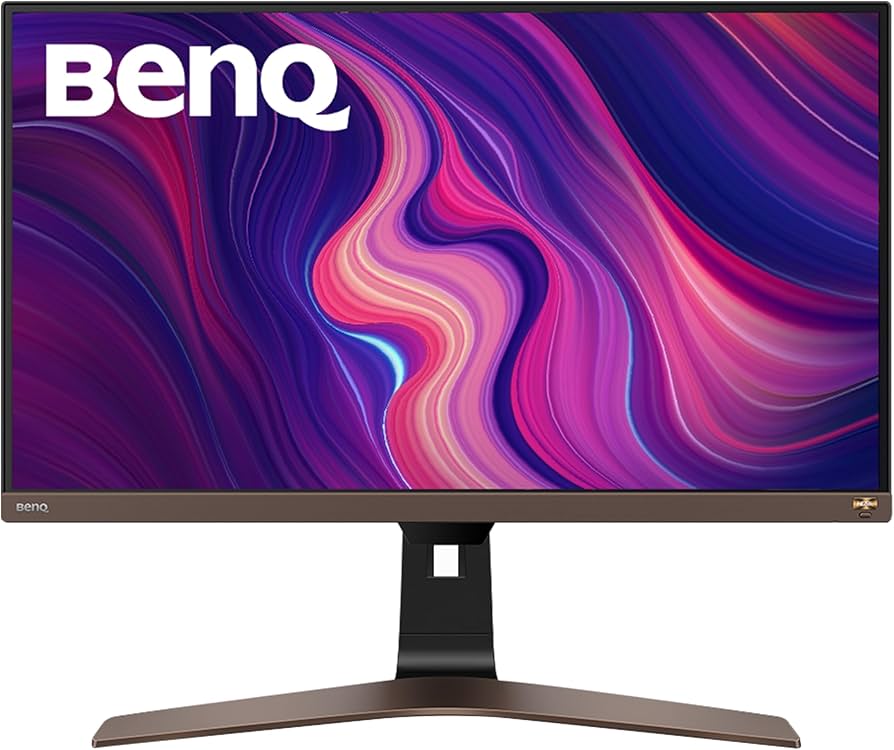
The BenQ EW2880U prioritises eye health with its HDRi technology and Brightness Intelligence Plus — excellent for remote workers who spend 8+ hours staring at a screen. The 28″ 4K panel gives plenty of workspace while staying easy on the eyes.
Key Specs
- Size: 28 inches
- Resolution: 3840×2160 (4K UHD)
- Panel: IPS
- Refresh Rate: 60Hz
- Connectivity: USB-C (60W), HDMI 2.0, DisplayPort
- Eye Care: Brightness Intelligence Plus, Low Blue Light
Pros & Cons
- ✅ Outstanding eye-care features for long work sessions
- ✅ Auto-brightness adjustment based on ambient light
- ✅ 4K sharpness at 28″ is ideal PPI for desk use
- ✅ Built-in speakers are above average
- ❌ Stand adjustment limited compared to premium ergonomic models
- ❌ USB-C limited to 60W
Verdict
If eye fatigue is your biggest concern, the BenQ EW2880U is the monitor to get. Its eye-care technology genuinely makes a difference over long remote work days.
#4. Samsung 27″ Space Monitor S27R750
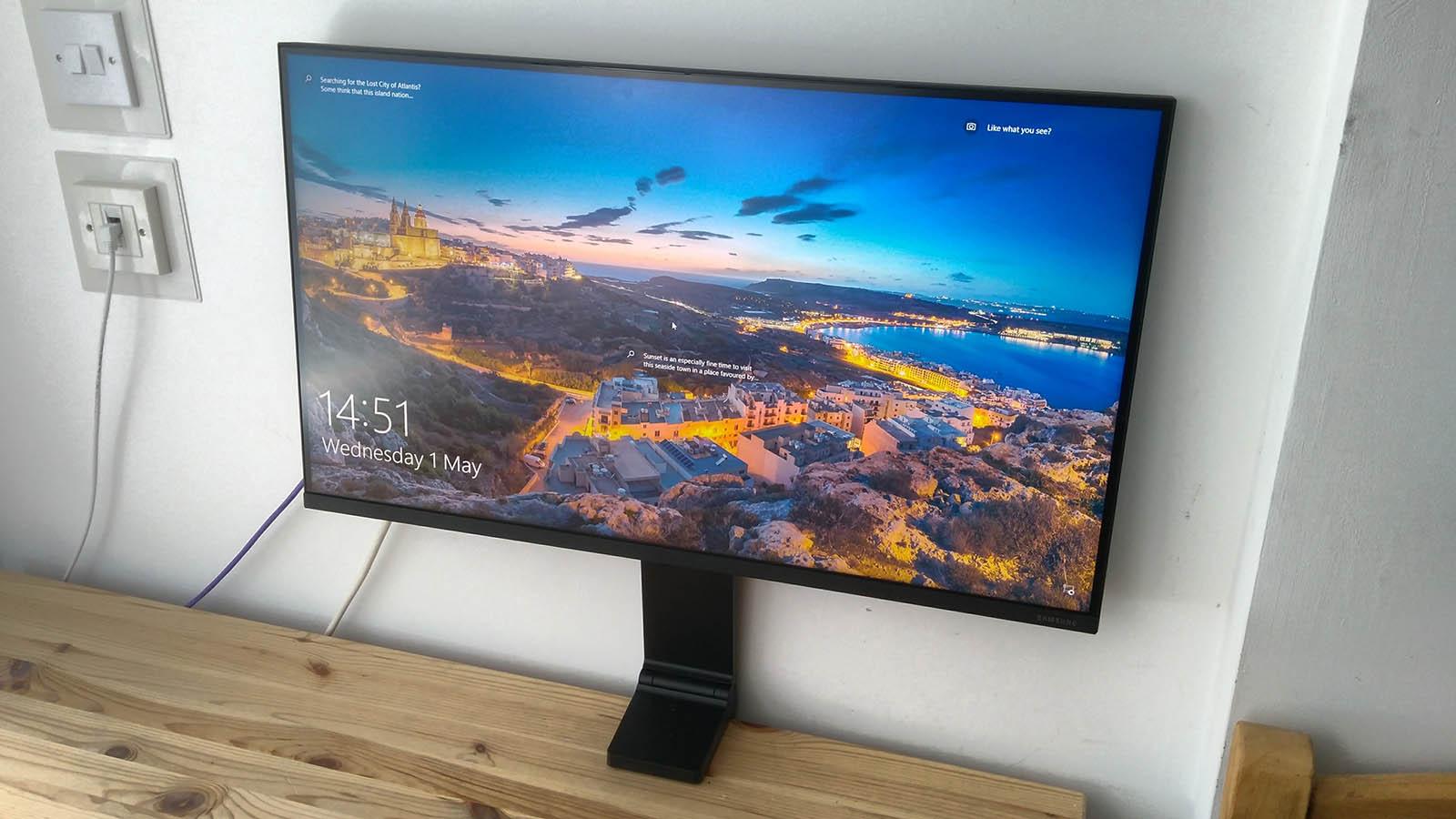
The Samsung Space Monitor attaches directly to your desk with an articulating arm instead of a traditional stand. This frees up precious desk real estate — ideal for small home office setups where every inch counts.
Key Specs
- Size: 27 inches
- Resolution: 2560×1440 (QHD)
- Panel: VA
- Refresh Rate: 144Hz
- Connectivity: USB-C, HDMI, DisplayPort
- Mount: Integrated clamp arm — no stand needed
Pros & Cons
- ✅ Integrated arm saves desk space
- ✅ Easy to position — folds flat against wall when not in use
- ✅ 144Hz great for after-hours gaming
- ✅ Good QHD resolution for productivity
- ❌ VA panel has slightly worse colours than IPS
- ❌ Cable management could be better
Verdict
The Samsung Space Monitor is a clever solution for small home offices. Fold it away, reclaim your desk, and enjoy a premium QHD display when you’re working.
#5. ASUS ProArt PA279CRV 27″ 4K Professional Monitor
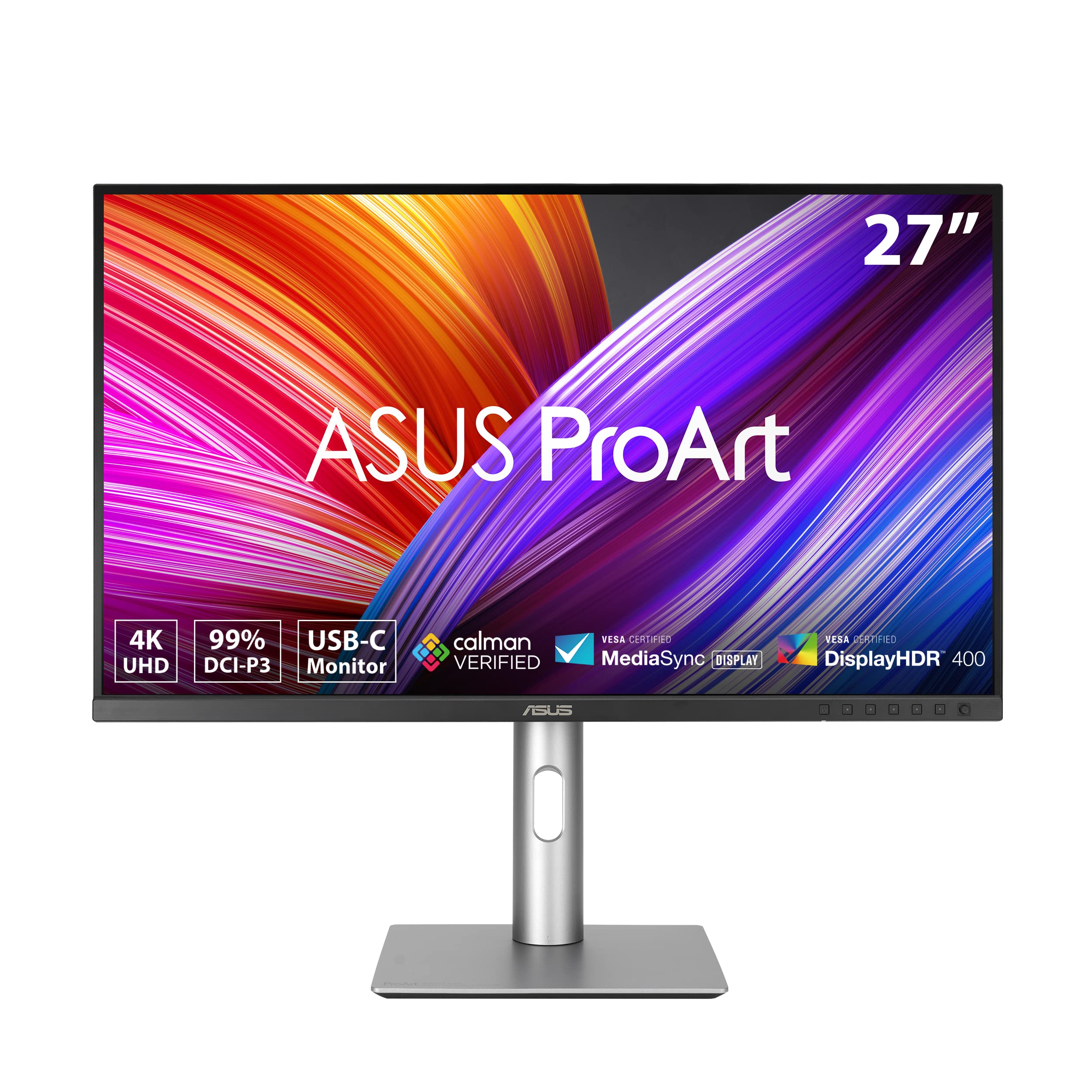
The ASUS ProArt PA279CRV is a colour-accurate professional monitor that ships factory calibrated. Designed for creative remote workers — graphic designers, video editors, photographers — who need precise colour reproduction alongside solid connectivity.
Key Specs
- Size: 27 inches
- Resolution: 3840×2160 (4K UHD)
- Panel: IPS
- Colour Accuracy: Delta E < 2, 100% sRGB, 99% DCI-P3
- Connectivity: USB-C 96W, HDMI 2.1, DisplayPort 1.4, USB hub
- Brightness: 400 nits
Pros & Cons
- ✅ Factory calibrated for professional colour work
- ✅ Excellent port selection with USB hub
- ✅ 96W USB-C charging
- ✅ Great ergonomic stand
- ❌ Premium price
- ❌ Only 60Hz refresh rate
Verdict
For creative professionals who work from home, the ASUS ProArt PA279CRV delivers professional colour accuracy in a well-connected package. Worth every penny for design and video work.
Final Thoughts
The right monitor for remote work depends on your priorities. Choose the LG 27UK850-W for clean USB-C cable management, the Dell U3423WE for maximum screen real estate, the BenQ EW2880U for eye comfort, or the ASUS ProArt for colour-accurate creative work. Any of these displays will meaningfully improve your home office productivity in 2026.